
Collection: Western Digital Internal Storage

Western Digital Internal Storage
Western Digital Internal Storage
Western Digital internal storage refers to internal hard disk drives (HDDs) and solid-state drives (SSDs) manufactured by Western Digital (WD) for installation inside desktop PCs, laptops, and workstations. These drives provide primary or secondary data storage for operating systems, applications, games, and large media files. Western Digital segments its internal storage products into performance tiers and workload categories, including WD Blue, WD Black, WD Red, WD Purple, and WD Green, each designed for specific endurance, speed, and reliability requirements.
Western Digital internal storage includes SATA HDDs, SATA SSDs, and NVMe M.2 SSDs. Performance varies significantly depending on interface bandwidth, NAND flash type, rotational speed (for HDDs), and controller architecture. Buyers should match the drive type to their system interface and intended workload.
Key Specifications & Semantic Entities
Western Digital internal drives differ by interface, form factor, capacity, endurance rating, and workload optimisation.
Drive Type: HDD vs SSD
Drive technology determines latency, throughput, and durability characteristics.
-
HDD (Hard Disk Drive) uses spinning magnetic platters and a mechanical read/write head.
-
SATA SSD uses NAND flash memory over a SATA III interface (6 Gb/s).
-
NVMe SSD uses NAND flash over PCIe lanes via the NVMe protocol.
NVMe SSDs can deliver sequential read speeds exceeding 3,000–7,000 MB/s depending on PCIe generation. SATA SSDs typically reach 500–560 MB/s due to interface limits. HDDs commonly deliver 100–250 MB/s depending on platter density and rotational speed. NVMe drives can therefore be over 10× faster than mechanical HDDs in sequential workloads and significantly faster in random IOPS.
Interface and Form Factor
Interface compatibility defines whether the drive works in a given motherboard or laptop.
-
SATA III (6 Gb/s) for 2.5-inch SSDs and 3.5-inch HDDs
-
M.2 SATA for slim SSD installations
-
M.2 NVMe (PCIe Gen3, Gen4, Gen5) for high-performance SSDs
-
3.5-inch form factor for desktop HDDs
-
2.5-inch form factor for laptop HDDs and SATA SSDs
PCIe Gen4 NVMe SSDs can provide up to double the bandwidth of PCIe Gen3 drives. PCIe Gen5 drives can theoretically double Gen4 bandwidth again, although real-world gains depend on workload and controller efficiency.
NAND Flash Type and Endurance (TBW)
SSD endurance is commonly measured in TBW (Terabytes Written).
-
QLC NAND offers higher density but lower write endurance.
-
TLC NAND provides balanced endurance and performance.
-
SLC caching improves burst write speeds temporarily.
A 1TB TLC SSD may offer endurance ratings around 600 TBW, while QLC variants often provide lower TBW values. Higher TBW ratings support workstation and gaming workloads that involve frequent writes.
RPM and Cache (HDD)
HDD performance depends on rotational speed and cache size.
-
5400 RPM drives prioritise lower power and quieter operation.
-
7200 RPM drives improve data access time and throughput.
-
Cache (64MB–256MB) helps buffer frequently accessed data.
A 7200 RPM HDD typically delivers 15–20% faster sequential performance compared to 5400 RPM models of similar capacity.
Product Segmentation (WD Colour Series)
Western Digital uses colour branding to indicate use-case focus.
-
WD Blue targets mainstream desktop and laptop use.
-
WD Black targets gaming and performance workloads.
-
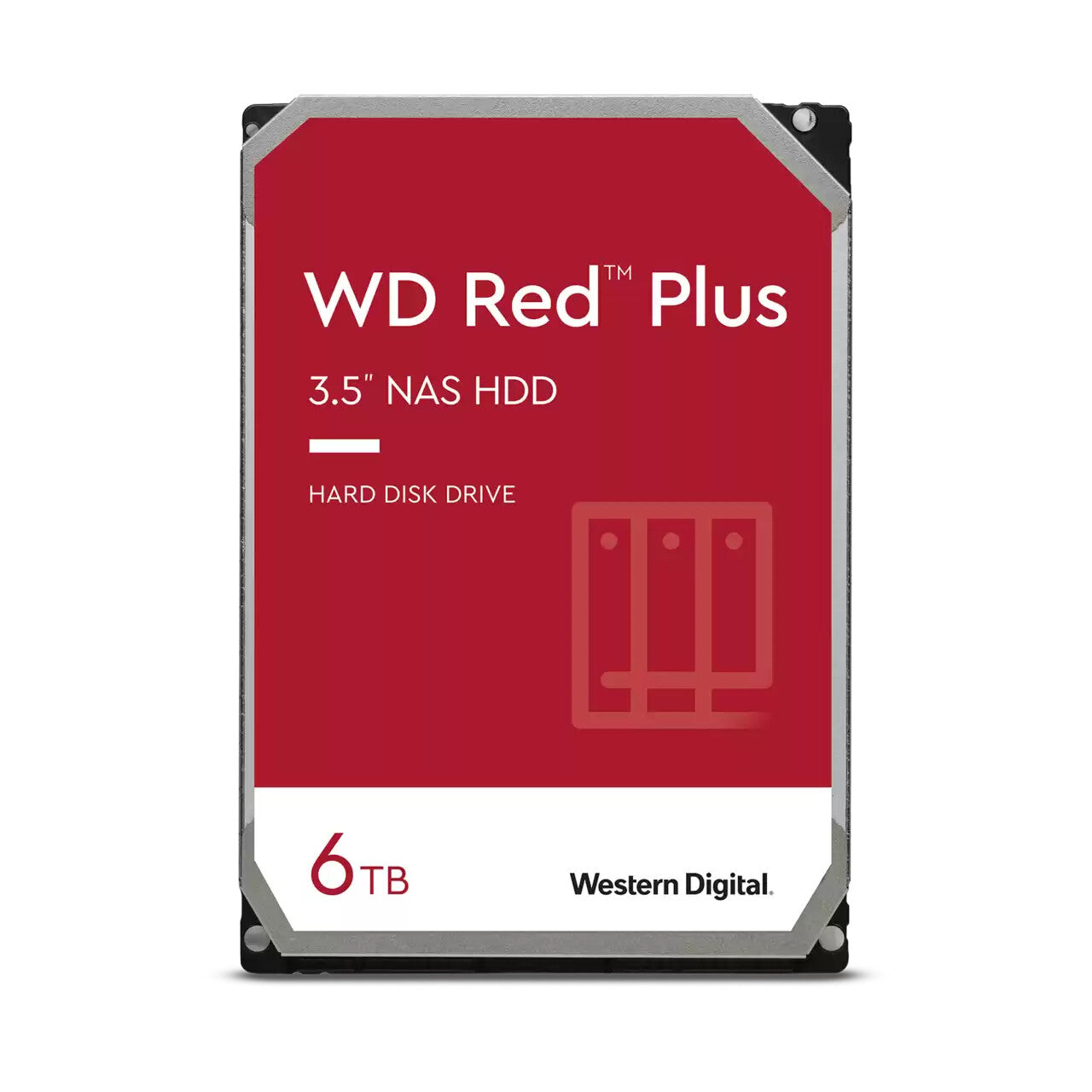
WD Red targets NAS systems with 24/7 operation.
-
WD Purple targets surveillance recording.
-
WD Green targets low-power or budget systems.
NAS-rated drives such as WD Red include firmware tuned for RAID environments and vibration resistance in multi-bay systems.
How to Choose Western Digital Internal Storage
Drive selection depends on workload type, system interface, and performance expectations. Entry-level users prioritise affordability and capacity, while performance users prioritise throughput and low latency.
Budget vs Performance SSD
-
Budget NVMe or SATA SSDs often use QLC NAND and lower endurance ratings.
-
Performance-focused SSDs often use TLC NAND and higher TBW ratings.
-
PCIe Gen4 SSDs typically deliver 40%–100% higher sequential throughput than Gen3 models.
For general home and office use, a SATA SSD or entry-level NVMe SSD provides sufficient responsiveness for Windows boot and application loading. Moving from an HDD to any SSD can reduce boot times by over 50% in typical consumer systems.
Gaming Use Case
Gamers benefit from NVMe SSDs due to faster game load times and improved texture streaming in modern titles. A 1TB NVMe SSD provides balanced capacity for large game libraries, since many AAA titles exceed 80GB per installation.
Workstation and Content Creation
Workstation users benefit from:
-
High-capacity NVMe SSD (1TB–2TB+)
-
TLC NAND
-
Higher TBW ratings
-
PCIe Gen4 or Gen5 support
Large media editing workloads benefit from sustained write performance and thermal stability. Drives with DRAM cache often provide more consistent write speeds during extended transfers.
NAS and Surveillance
NAS users should select WD Red drives for RAID compatibility and vibration tolerance. Surveillance users should select WD Purple drives, which are optimised for continuous sequential recording workloads rather than random desktop access.
Compatibility & Requirements
Compatibility depends on motherboard interface, physical space, and BIOS support.
Users should confirm:
-
Presence of SATA ports for 2.5-inch or 3.5-inch drives
-
Availability of M.2 slots (Key M for NVMe)
-
PCIe generation support (Gen3, Gen4, Gen5)
-
Maximum supported storage capacity
-
Laptop thickness for 2.5-inch installations
Most modern motherboards support NVMe boot drives via UEFI firmware. Older systems may require BIOS updates for NVMe recognition. SATA drives maintain broad compatibility across desktop and laptop platforms manufactured within the past decade.
Thermal considerations also matter. High-performance NVMe SSDs can throttle under sustained load if not paired with a heatsink or adequate airflow.
Frequently Asked Questions (FAQ)
What is the difference between WD Blue and WD Black drives?
WD Blue drives target mainstream consumer workloads such as office tasks and everyday storage. WD Black drives target performance workloads such as gaming and heavy data transfers. WD Black SSDs typically offer higher sequential speeds and endurance ratings compared to WD Blue models within similar capacity ranges.
Is NVMe better than SATA for internal storage?
NVMe provides significantly higher bandwidth than SATA due to PCIe lane utilisation. NVMe SSDs can deliver several gigabytes per second in sequential transfers, while SATA SSDs are limited to roughly 550 MB/s by interface constraints. For basic web and office use, the difference may be less noticeable than for gaming or large file transfers.
Can I replace my HDD with a Western Digital SSD?
Most desktop and laptop systems that support 2.5-inch SATA drives can replace an HDD with a SATA SSD. Systems with M.2 slots can install NVMe SSDs if the slot supports PCIe NVMe protocol. Replacing an HDD with an SSD typically improves boot speed, responsiveness, and application load times.
What capacity should I choose for internal storage?
Capacity choice depends on workload. 500GB to 1TB suits most general users. Gamers and media editors often require 1TB to 2TB or more due to large file sizes. NAS and archival storage systems often use multi-terabyte HDDs (4TB, 8TB, 12TB+) for bulk data storage.
Are WD Red drives only for NAS systems?
WD Red drives are designed for NAS environments with RAID configurations and continuous operation. They can function in desktop systems, but their firmware tuning prioritises multi-drive stability rather than peak desktop performance. Desktop users without RAID may find WD Blue or WD Black models more aligned with their workload.
Do I need a heatsink for a WD NVMe SSD?
High-performance NVMe SSDs operating under sustained load can generate significant heat. Some motherboards include integrated M.2 heatsinks. Thermal throttling can reduce write speeds if temperatures exceed safe limits. A heatsink improves sustained performance during large file transfers or workstation workloads.