
Collection: Laptops for under £600

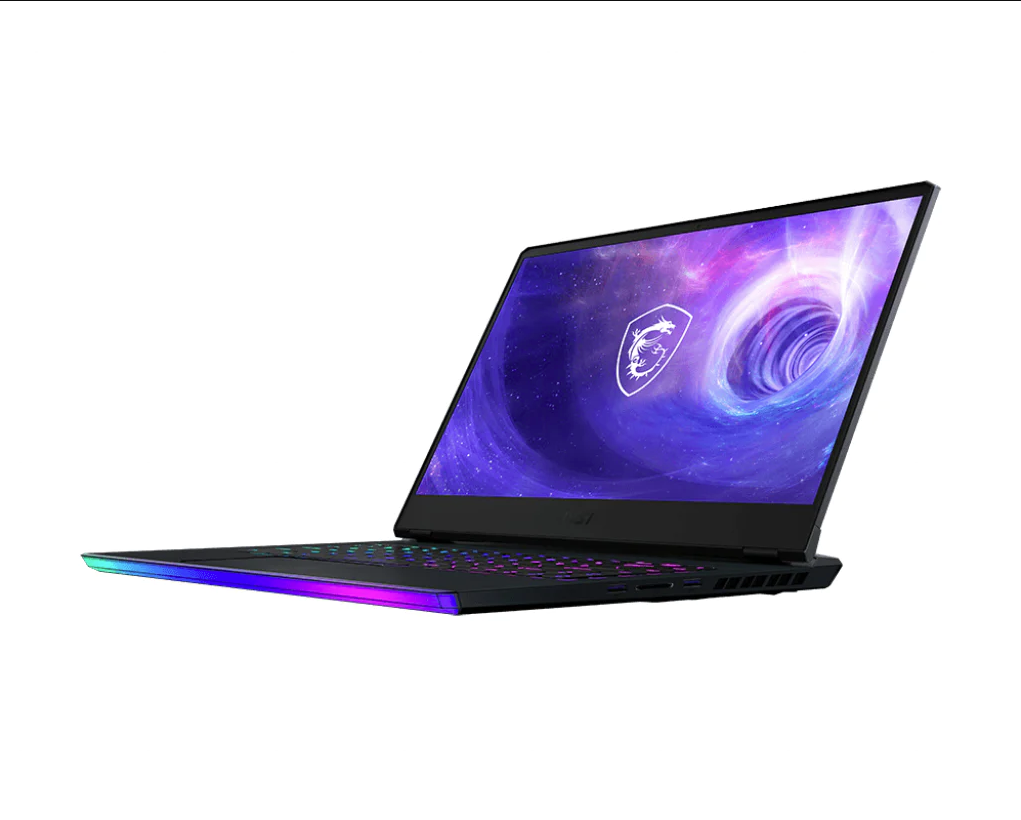
Laptops for under £600
Laptops for Under £600
Laptops for under £600 are budget-to-midrange portable computers designed to deliver practical everyday performance while keeping total system cost below a defined price threshold. This category typically targets students, home users, office workers, and general productivity buyers who need reliable web access, document editing, video streaming, and light creative work. Most laptops in this range use power-efficient processors, integrated graphics, and cost-optimised chassis materials, with performance depending heavily on CPU generation, RAM capacity, and SSD storage.
Laptops under £600 often represent the best-value segment for mainstream computing because they can deliver modern Windows or ChromeOS usability without premium hardware features. Buyers typically trade off high-end displays, dedicated GPUs, and premium build materials in exchange for affordability and functional performance.
Key Specifications & Semantic Entities
CPU, RAM, storage type, and display quality define the real-world usability of laptops under £600.
Processor (CPU) Class and Generation
The CPU determines overall speed in multitasking, browsing, office software, and light creative tasks. Common CPUs in this range include:
-
Intel Core i3 / i5 (11th–13th gen typical in budget models)
-
Intel N-series (N100, N200) for entry-level usage
-
AMD Ryzen 3 / Ryzen 5 (4000–7000 series depending on model year)
-
AMD Athlon / Ryzen 3 low-power variants
-
Qualcomm Snapdragon (rare under £600 but possible in thin devices)
A newer CPU generation often delivers 10%–30% better performance per watt compared to older models due to efficiency improvements and faster integrated graphics. CPU core count also matters, since 4-core and 6-core CPUs handle multitasking more smoothly than 2-core designs.
RAM Capacity and Memory Type
RAM determines how many applications and browser tabs a laptop can handle before slowing down.
-
8GB RAM supports typical multitasking for Windows 11.
-
16GB RAM improves performance in heavier workloads such as spreadsheets, coding, and photo editing.
-
4GB RAM limits performance and is usually only acceptable for ChromeOS or basic tasks.
DDR4 and LPDDR4X are common memory types in this segment. LPDDR memory is usually soldered and cannot be upgraded, which makes the initial RAM choice critical.
Storage Type (SSD vs eMMC)
Storage type directly affects boot speed, loading times, and file transfers.
-
NVMe SSD provides the fastest performance and is preferred.
-
SATA SSD offers moderate speed and remains usable.
-
eMMC storage is significantly slower and often creates bottlenecks in Windows laptops.
A typical NVMe SSD can deliver sequential read speeds of 2,000–3,500 MB/s, while eMMC commonly stays below 300 MB/s. This difference can produce a noticeable improvement in responsiveness for app launches and Windows updates.
Display Size, Resolution, and Panel Type
The display determines comfort for reading, working, and media use.
Common configurations include:
-
14-inch or 15.6-inch screens for general use
-
Full HD (1920×1080) resolution as the practical baseline
-
HD (1366×768) panels in entry-level systems
Panel technology affects viewing angles and colour accuracy.
-
IPS panels provide wider viewing angles and better colour consistency.
-
TN panels have weaker viewing angles and lower contrast.
Budget laptops may also have lower brightness, typically around 200–250 nits, which reduces usability in bright environments.
Graphics (Integrated vs Dedicated)
Most laptops under £600 rely on integrated GPUs such as:
-
Intel UHD Graphics
-
Intel Iris Xe
-
AMD Radeon Graphics (Ryzen integrated)
Integrated graphics can support video streaming, office work, and light gaming. Iris Xe and AMD Radeon iGPU solutions typically outperform basic UHD graphics by a large margin, often delivering 50%–150% higher frame rates in entry-level games depending on the title and memory configuration.
Battery Capacity and Charging
Battery life depends on watt-hour (Wh) capacity and CPU efficiency.
-
35–45Wh is common in budget laptops
-
50Wh+ typically improves runtime
Many models support USB-C charging, but some still use barrel chargers. Efficient laptops can deliver 6–10 hours of light usage depending on screen brightness and workload.
How to Choose Laptops for Under £600
Laptop selection under £600 should be based on workload type, expected lifespan, and upgrade needs. Entry-level laptops prioritise cost and basic usability, while higher-value models prioritise better CPUs, IPS displays, and NVMe storage.
Entry-level vs Higher-performance models
-
Entry-level models often use Intel N-series or older Ryzen 3 CPUs, 4GB–8GB RAM, and smaller SSDs.
-
Higher-performance models often use Core i5 or Ryzen 5 CPUs, 8GB–16GB RAM, and 512GB SSDs.
Student and office use
A student or office buyer benefits most from a laptop with:
-
8GB RAM minimum
-
256GB NVMe SSD or larger
-
Full HD IPS display
This configuration improves multitasking and document-heavy workloads.
Light gaming and creative use
Buyers who need casual gaming or light creative editing should prioritise:
-
Ryzen 5 or Core i5 CPU
-
Iris Xe or AMD Radeon integrated graphics
-
16GB RAM if available
Integrated GPUs can run esports titles at 1080p low-to-medium settings, but AAA gaming performance is typically limited without a dedicated GPU.
Long-term value decision
A laptop with upgradeable RAM and SSD offers longer usable lifespan. A laptop with soldered 8GB RAM can become limiting sooner if future software requirements increase.
Compatibility & Requirements
Most laptops under £600 ship with Windows 11 Home or ChromeOS. Windows laptops typically support standard software ecosystems including Microsoft Office, Zoom, Teams, Google Chrome, and Adobe applications.
Buyers should confirm connectivity requirements such as:
-
USB-A ports for older peripherals
-
USB-C for modern docking and charging
-
HDMI for external monitors
-
Wi-Fi 6 support for modern routers
-
Bluetooth 5.0+ for wireless accessories
Most budget laptops support external monitors up to 1080p or 4K depending on GPU and port specification. Users who rely on docking stations should confirm USB-C supports DisplayPort Alt Mode, since not all USB-C ports support video output.
Frequently Asked Questions (FAQ)
Are laptops under £600 good enough for university work?
Laptops under £600 are typically suitable for university workloads such as essays, presentations, online research, and video calls. A system with at least an Intel Core i3 or AMD Ryzen 3 processor, 8GB RAM, and a 256GB SSD can handle multitasking reliably. Buyers using specialised software such as CAD or simulation tools may require higher CPU performance and 16GB RAM.
Can I play games on a laptop under £600?
Gaming is possible on laptops under £600, but performance depends on integrated graphics capability. Intel Iris Xe and AMD Radeon integrated graphics can handle esports games like Fortnite, Rocket League, and Valorant at reduced settings. Most laptops in this price bracket do not include dedicated GPUs, so demanding AAA games may require low settings and reduced resolution for playable frame rates.
Is 4GB RAM enough for a laptop under £600?
4GB RAM is generally not sufficient for smooth Windows 11 performance. Windows laptops with 4GB RAM can experience slowdowns when running multiple browser tabs or office applications. ChromeOS devices can function better with 4GB RAM due to lighter system overhead. Buyers seeking longer usable lifespan should choose 8GB RAM minimum, especially for Windows.
What storage size should I expect under £600?
Most laptops under £600 include 128GB to 512GB of storage. A 256GB SSD is a practical baseline for Windows systems because it supports updates and software installs without frequent space management. 512GB storage improves usability for media files and large applications. Buyers should avoid eMMC storage where possible, since it reduces responsiveness and increases load times.
Should I buy a Chromebook or a Windows laptop under £600?
Chromebooks suit users who rely on web apps, Google Workspace, and streaming services. Windows laptops suit users who require desktop software, broader hardware driver support, and offline productivity tools. ChromeOS generally runs efficiently on lower-end hardware, while Windows benefits more from stronger CPUs and higher RAM. The decision should match software requirements rather than price alone.
How long should a laptop under £600 last?
A laptop under £600 typically lasts 3–5 years for general use if it has an SSD and sufficient RAM. Systems with 8GB RAM and NVMe SSD storage tend to remain usable longer than systems with 4GB RAM or eMMC storage. Battery health usually degrades over time, and performance longevity depends on whether the laptop supports storage upgrades or RAM expansion.